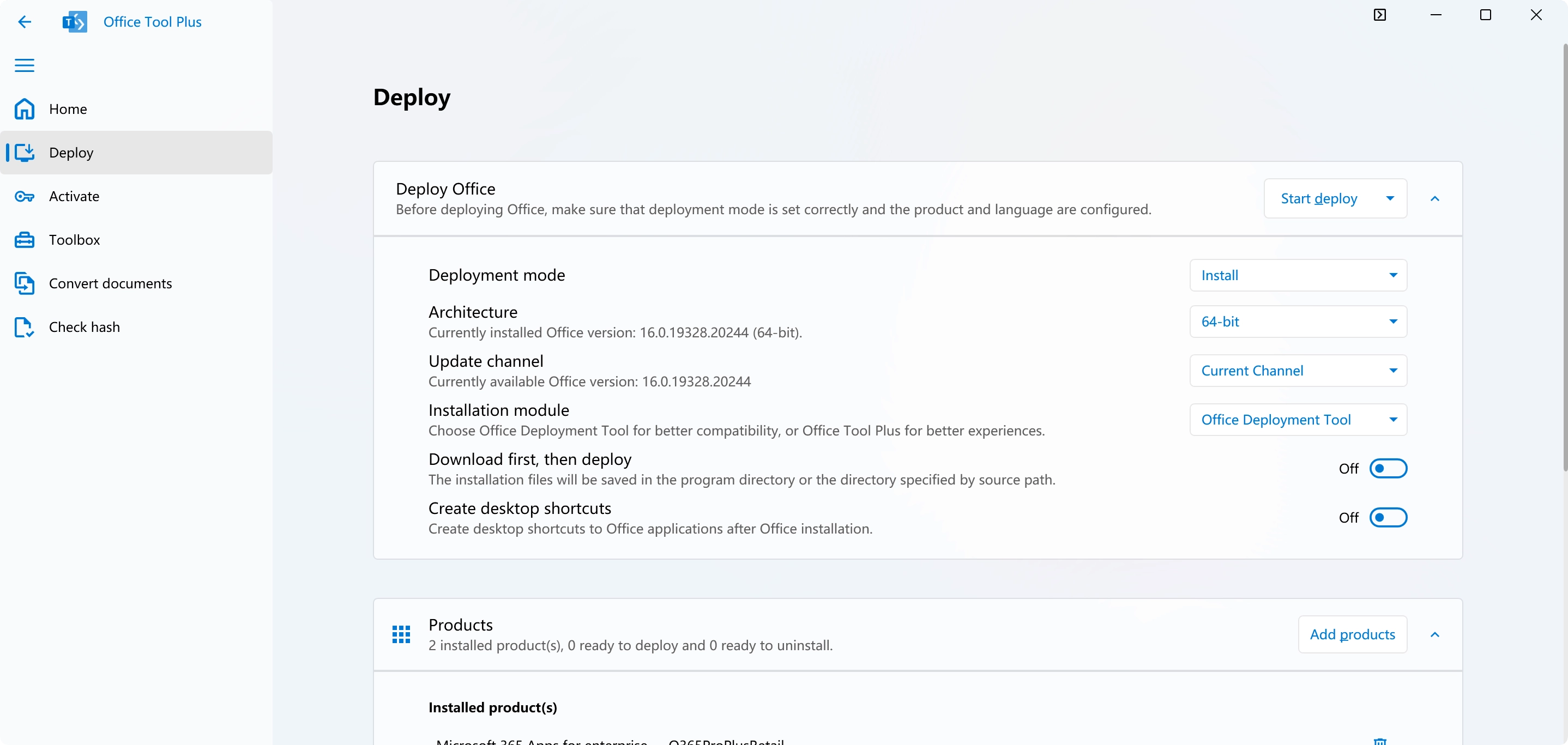
You can install Office Tool Plus using winget:
winget install Yerong.OfficeToolPlus
Please run the winget install command with administrator privileges, otherwise you
will not be able to create symbolic links and you will not be able to run Office Tool Plus with
the following commands.
After installation, you can use the following commands to run Office Tool Plus:
Notes:
Version Updates
The winget package may not be updated as
quickly as the official releases, so it may not always have the latest version
of Office Tool Plus.
.NET Runtime
The winget package does not include the
.NET Runtime files. When created an Office ISO file, Office Tool Plus will
prompt users to download and install the .NET Runtime if it's not found. This
may cause inconvenience for users who do not have the .NET Runtime installed on
their system.
File Download Location
When downloading Office installation
files, you will always be asked to choose a location to save the files.